


Xbox Game Pass Ultimate 3 Month USA - Instant Digital Code
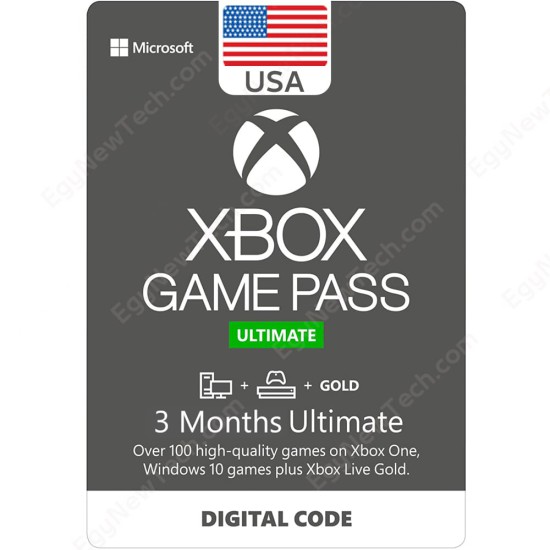
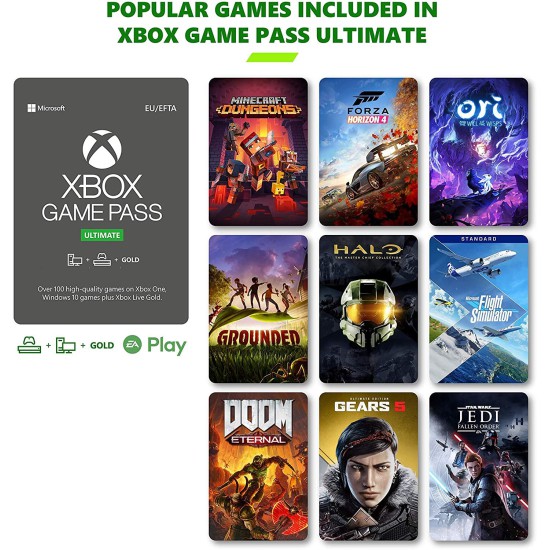
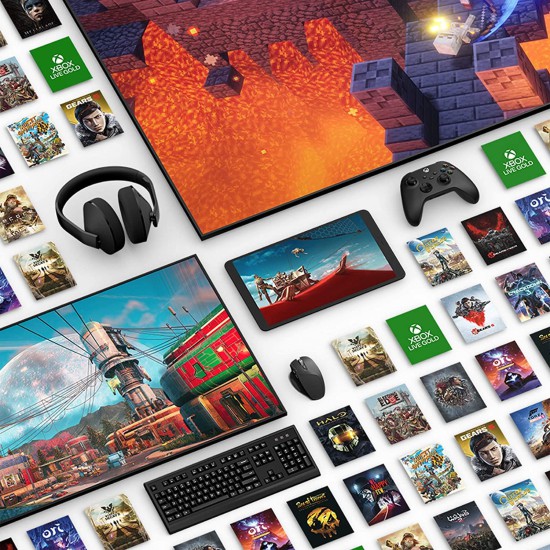


Activate your 3-Month USA Xbox Game Pass Ultimate membership and receive your code instantly to experience the comprehensive game library on console and PC.
Note:
- This Item Can be Activated USA Xbox Store .
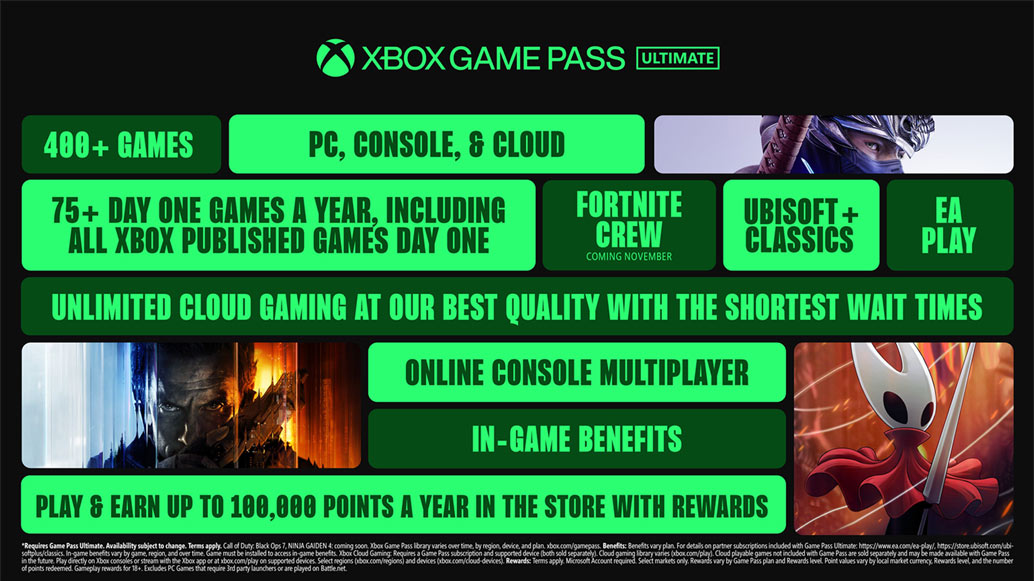
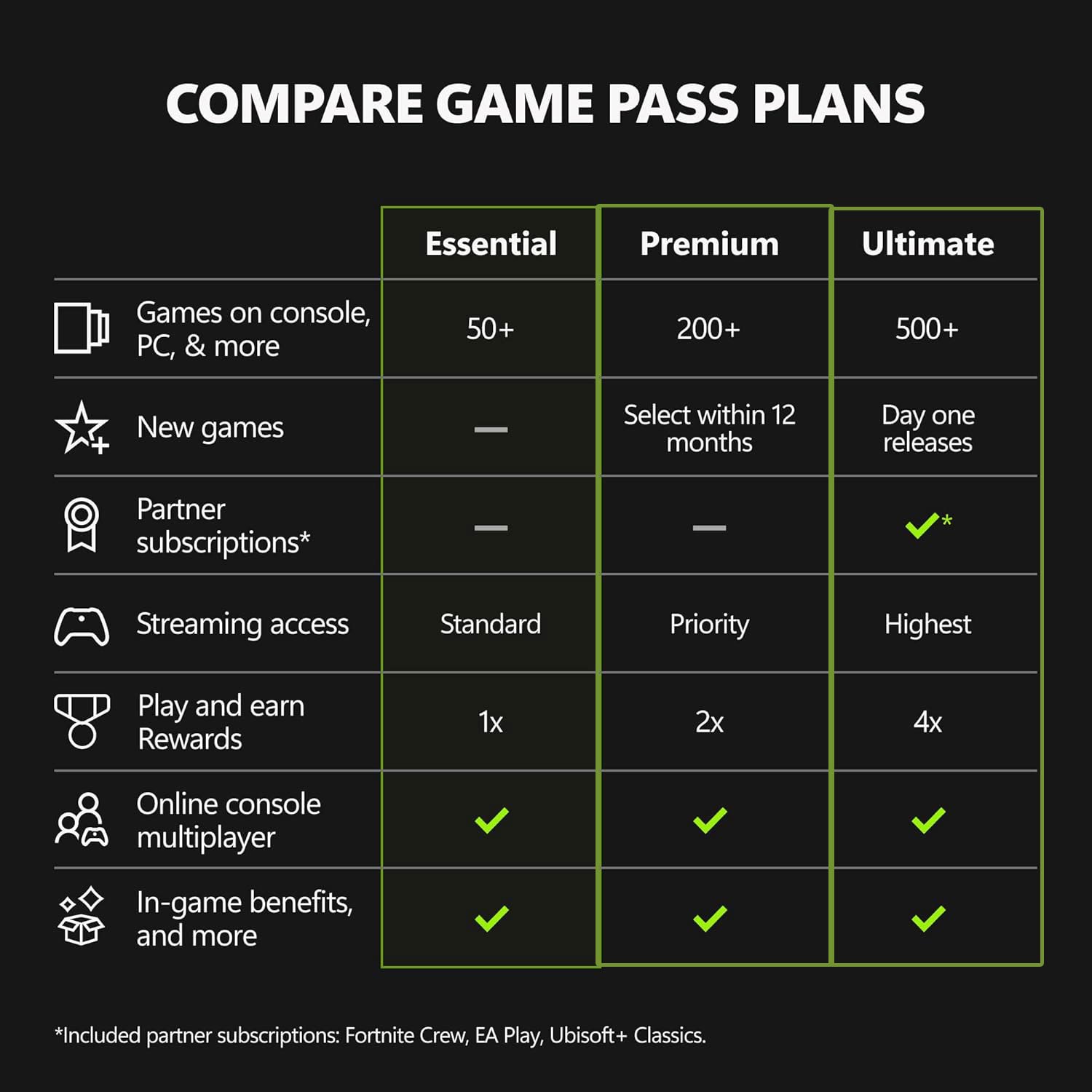
- GAME PASS ULTIMATE: Get the full Game Pass experience with 500+ games across your devices. Includes Fortnite Crew, EA Play, and Ubisoft+ Classics, plus our highest-quality cloud streaming and member perks.
- NEW GAMES ON DAY ONE: Enjoy new games on day one from Xbox Game Studios, Bethesda Softworks, Activision Blizzard, and more. Play Forza Horizon 6, High on Life 2, and Halo: Campaign Evolved the same day they launch.
- PLAY ACROSS DEVICES: Download games on Xbox console, PC, and supported handhelds. Skip the download and stream games on any supported device, including mobile, tablet, TV, and VR headset.
- CLOUD GAMING: Stream games at our best quality with the shortest wait times, including select games you own.
- FORTNITE CREW INCLUDED: Get access to the current Battle Pass, OG Pass, LEGO Pass, Music Pass, and Rocket Pass Premium. In addition, get 1,000 V-Bucks each month.
- EA PLAY MEMBERSHIP INCLUDED: Jump into best-loved franchises like EA SPORTS, The Sims, STAR WARS, and other fan favorites with EA Play.
- EARN REWARDS POINTS: Play and earn up to $50 a year in Microsoft Rewards. Earn 4× Microsoft Rewards points on eligible purchases and gameplay.
- ONLINE CONSOLE MULTIPLAYER: Connect with friends and the Xbox community to play, chat, and explore together.
- IN-GAME BENEFITS: Unlock exclusive perks in top titles like League of Legends, Call of Duty: Warzone, and Rainbow Six Siege including cosmetics, characters, and more.
XBox Game Pass Ultimate :
How To redeem your XBox Gift Card Digital Code on XBox Series XlS , XBox One ?
- Sign in to your Xbox console (make sure you’re signed in with the Microsoft account you want to redeem the code with).
- From the Home screen, select and open the Store app. (If the Store app is not displayed, go to My games & apps, select Apps, and select the Store app from there.
- In the Store app, move the cursor left or press the View button on the controller to open the side menu.
- From that menu, select Redeem.
- Enter the 25-character code, and then follow the prompts. Don’t worry about hyphens, the system takes care of those for you.
How To redeem via XBox 360
- Sign in to your Xbox 360 (make sure you’re signed in with the Microsoft account you want to redeem the code with).
- Press the Xbox Guide button on your controller.
- Select Games & Apps, then choose Redeem Code.
- Enter the 25-character code, then follow the prompts. Don’t worry about hyphens, the system takes care of those for you.
How To redeem via Web Browser
- From a web browser, go to redeem.microsoft.com.
- Sign in, enter the 25-character code, then follow the prompts. Don’t worry about hyphens, the system takes care of those for you.
How To redeem via XBox app for Windows
- On your Windows device, open the Xbox app.
- Make sure you're signed in with the account that you want to redeem the code with. If you need to sign in with a different account, select the gamerpic in the upper-right corner, then select Sign out and sign in with the correct account.
- Select your gamerpic in the upper-right corner and then Settings.
- Select the REDEEM button, enter the 25-character code, and follow the prompts.
How To redeem via XBox Console Companion on Windows
- On your Windows device, press the Start button , then select Xbox Console Companion from the list of apps.
- Make sure you're signed in with the account that you want to redeem the code with. If you need to sign in with a different account, select the Gamertag picture on the left navigation bar, then select Sign out and sign in with the correct account.
- Select Microsoft Store from the left navigation bar, then select Redeem a code.
- Enter the 25-character code, then follow the prompts. Don't worry about hyphens, the system takes care of those for you.
How To redeem via Windows 11/10
- Sign in to your Windows device (make sure you’re signed in with the Microsoft account you want to redeem the code with).
- Press the Start button , type store, then select Microsoft Store.
- Select More … > Redeem a code.
- Enter the 25-character code, then follow the prompts. Don’t worry about hyphens, the system takes care of those for you.
* All Brands and game names mentioned on EgyNewTech.com are trade marks belong to its' owner ( mentioned above ) and its' owner have all the rights reserved for it; Game code and certain audio and/or visual material belong to its' manufacturers ( mentioned above ) and they have all the rights reserved.
We also recommend


