


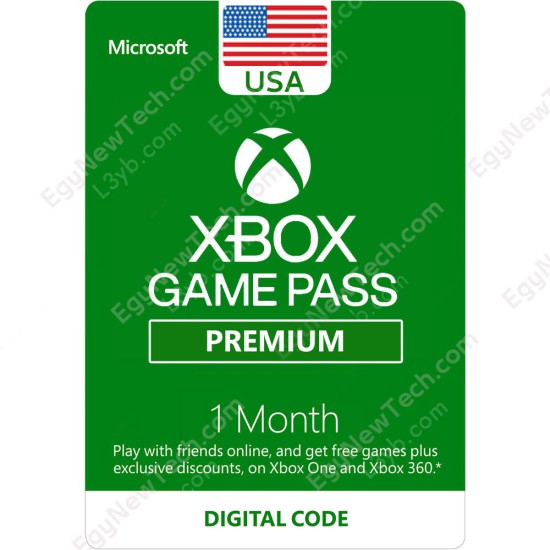
Xbox Game Pass Premium 1 Month USA - New Xbox accounts ONLY - Instant Digital Code

Digital Code


Xbox Game Pass Premium 1 Month USA - New Xbox accounts ONLY - Instant Digital Code

418.00 EGP
Price in reward points: 41800
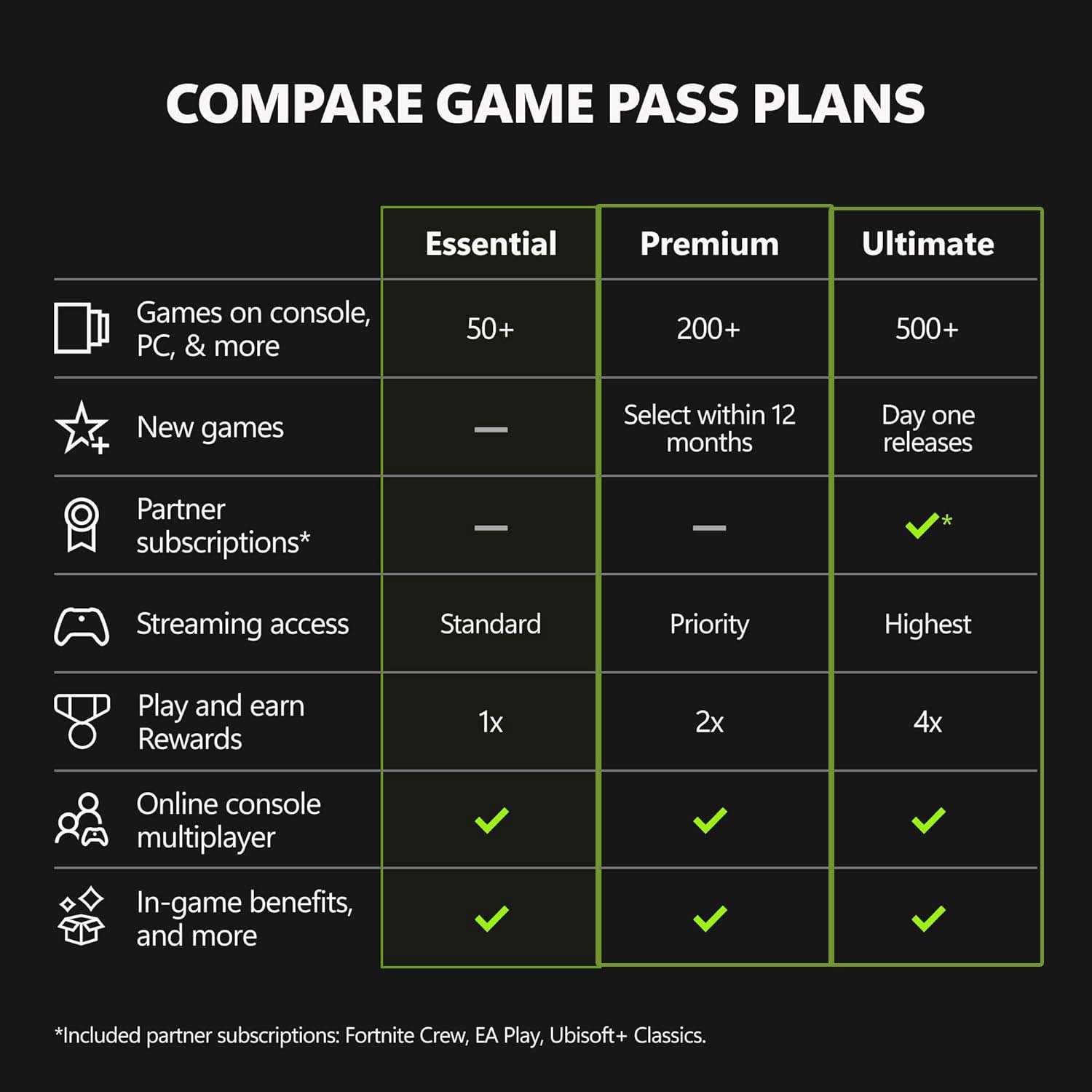
Activate your 1-Month Xbox Game Pass Premium subscription for USA and receive the code instantly to play day-one releases.
Note:
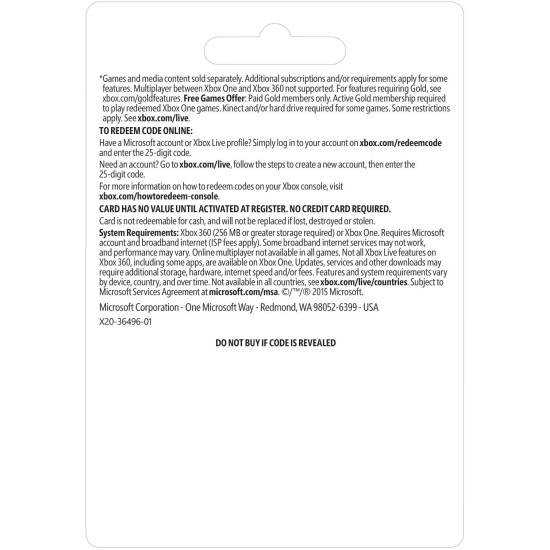
- This Item Can be Activated in USA XBox Store, New Xbox accounts ONLY.
Xbox Game Pass ESSENTIAL, Play together
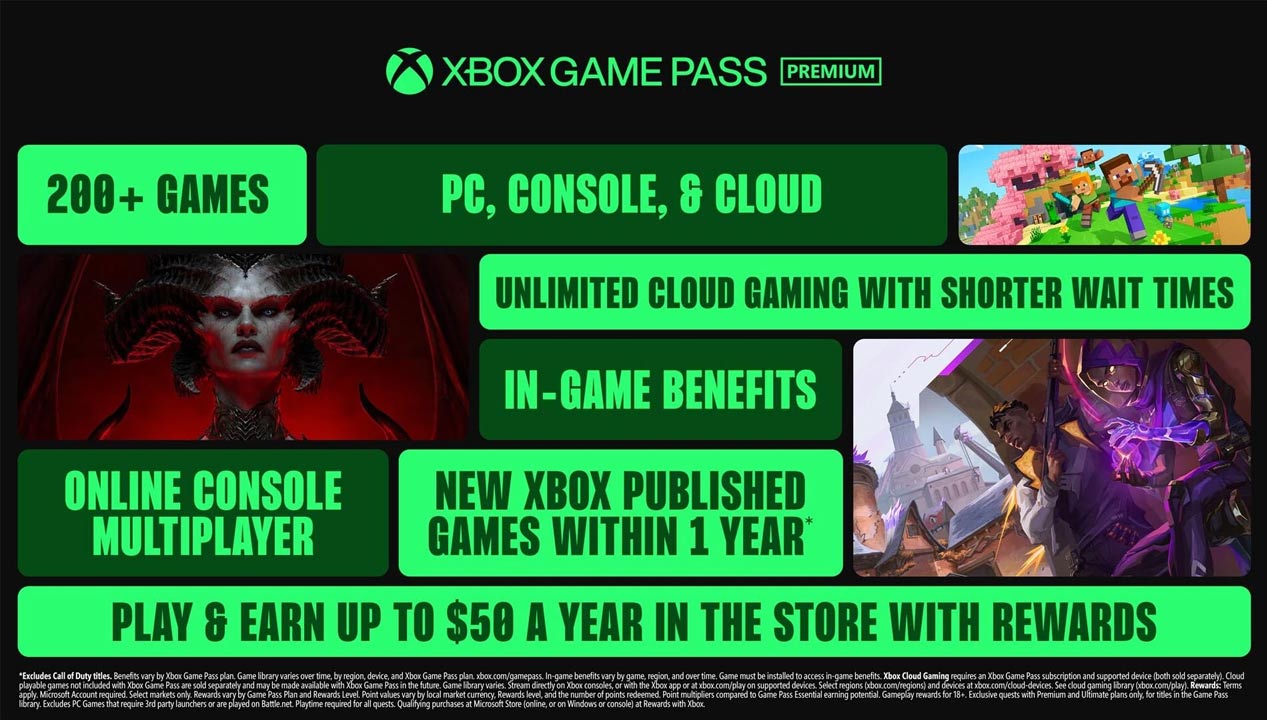
- GAME PASS ESSENTIAL: Enjoy a curated library of 50+ games and essential Xbox features in one subscription.
- PLAY LEGENDARY FRANCHISES: Enjoy fan favorites like Fallout 76, Hades, Stardew Valley, and more on any screen.
- PLAY ACROSS DEVICES: Download games on Xbox console, PC, and supported handhelds. Skip the download and stream games on any supported device, including mobile, tablet, TV, and VR headset.
- CLOUD GAMING: Stream games, including select games you already own.
- EARN REWARDS POINTS: Play and earn up to $25 a year in Microsoft Rewards. Earn Microsoft Rewards points on eligible purchases and gameplay.
- ONLINE CONSOLE MULTIPLAYER: Connect with friends and the Xbox community to play, chat, and explore together.
- IN-GAME BENEFITS: Unlock exclusive perks in top titles like League of Legends, Call of Duty: Warzone, and Rainbow Six Siege including cosmetics, characters, and more.
- Introducing Xbox Game Pass Core, featuring online console multiplayer, a catalog of over 25 high-quality games, member deals, and more. Includes online console multiplayer to quickly find the people you want to play with—whether it’s friends, family, or the greater Xbox community. Plus, enjoy a catalog of over 25 high-quality games including Grounded, Among Us, Hellblade: Senua's Sacrifice and more on console. Dive into select titles from iconic franchises like Halo, Forza, Psychonauts, Fallout, and others that you’ve always wanted to try. Get member deals of up to 50% off select titles with Game Pass promotions. With Game Pass Core—there’s more to discover for one low monthly price.*
- How To redeem your XBox Live Gold Digital Code on XBox Series XlS , XBox One ?
- Sign in to your Xbox console (make sure you’re signed in with the Microsoft account you want to redeem the code with).
- From the Home screen, select and open the Store app. (If the Store app is not displayed, go to My games & apps, select Apps, and select the Store app from there.
- In the Store app, move the cursor left or press the View button on the controller to open the side menu.
- From that menu, select Redeem.
- Enter the 25-character code, and then follow the prompts. Don’t worry about hyphens, the system takes care of those for you.
How To redeem via XBox 360
- Sign in to your Xbox 360 (make sure you’re signed in with the Microsoft account you want to redeem the code with).
- Press the Xbox Guide button on your controller.
- Select Games & Apps, then choose Redeem Code.
- Enter the 25-character code, then follow the prompts. Don’t worry about hyphens, the system takes care of those for you.
How To redeem via Web Browser
- From a web browser, go to redeem.microsoft.com.
- Sign in, enter the 25-character code, then follow the prompts. Don’t worry about hyphens, the system takes care of those for you.
How To redeem via XBox app for Windows
- On your Windows device, open the Xbox app.
- Make sure you're signed in with the account that you want to redeem the code with. If you need to sign in with a different account, select the gamerpic in the upper-right corner, then select Sign out and sign in with the correct account.
- Select your gamerpic in the upper-right corner and then Settings.
- Select the REDEEM button, enter the 25-character code, and follow the prompts.
How To redeem via XBox Console Companion on Windows
- On your Windows device, press the Start button , then select Xbox Console Companion from the list of apps.
- Make sure you're signed in with the account that you want to redeem the code with. If you need to sign in with a different account, select the Gamertag picture on the left navigation bar, then select Sign out and sign in with the correct account.
- Select Microsoft Store from the left navigation bar, then select Redeem a code.
- Enter the 25-character code, then follow the prompts. Don't worry about hyphens, the system takes care of those for you.
How To redeem via Windows 11/10
- Sign in to your Windows device (make sure you’re signed in with the Microsoft account you want to redeem the code with).
- Press the Start button , type store, then select Microsoft Store.
- Select More … > Redeem a code.
- Enter the 25-character code, then follow the prompts. Don’t worry about hyphens, the system takes care of those for you.
* All Brands and game names mentioned on EgyNewTech.com are trade marks belong to its' owner ( mentioned above ) and its' owner have all the rights reserved for it; Game code and certain audio and/or visual material belong to its' manufacturers ( mentioned above ) and they have all the rights reserved.
We also recommend


660.00 EGP

578.00 EGP

660.00 EGP


